How to Wipe Your Personal Data Before You Sell Your Car

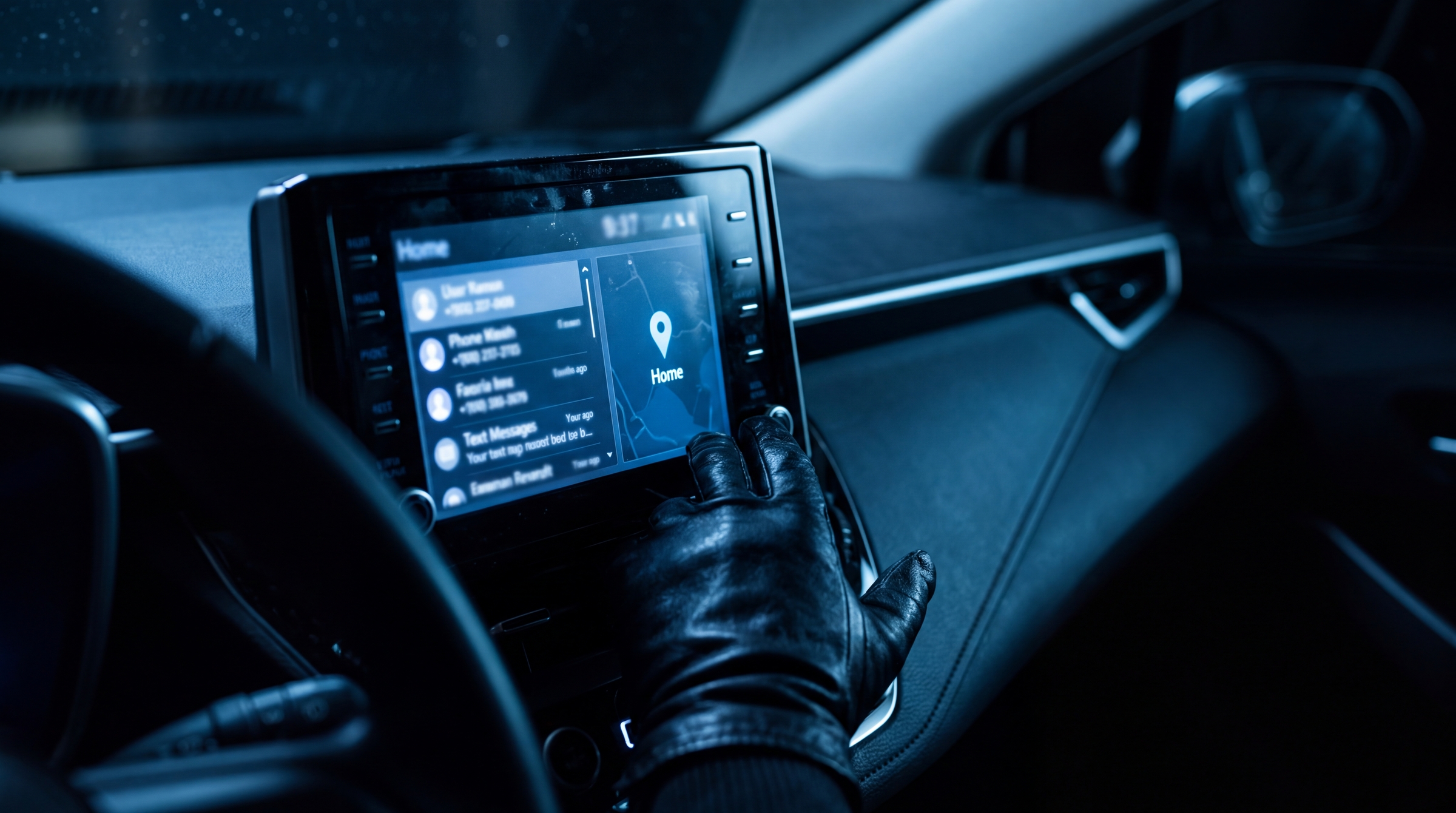
You would never hand a stranger your unlocked phone. But that is close to what happens when a car changes hands without a reset.
Modern cars are rolling computers. Every time you pair your phone, type in a destination or program the garage door button, the car stores it. Most owners never clear any of it, and most buyers never ask. In summer 2026, researchers at the University of Memphis checked 38 used cars on a Memphis dealer lot and pulled personal information from 35 of them, including contact lists, text conversations, navigation history and account logins. They also bought used infotainment units online for as little as $20 and recovered the same kind of data from those.
Here is what your car knows about you, why it matters on the day you sell, and a step by step checklist for wiping it clean.
🧠 What Your Car Actually Remembers
The infotainment screen is only the part you can see. Behind it, your car has been quietly saving:
Your phone. Contacts, call logs and often full text message threads get copied into the car the first time you pair by Bluetooth or plug in by USB. They stay there after your phone leaves.
Where you live and go. Your home and work addresses, saved favorites, recent destinations and the routes you drive most.
Your garage. The HomeLink buttons on the visor or mirror hold the code for your garage door or community gate.
Your accounts. Streaming music, satellite radio, saved Wi-Fi networks and passwords, in-car payment apps and EV charging accounts.
Remote access. The manufacturer app on your phone can locate the car, lock and unlock it, and in many cases start it. If the car is still attached to your account after the sale, so is all of that.
Sensor data. Cameras, microphones and GPS. At a Collision Industry Conference panel in July 2026, Privacy4Cars founder Andrea Amico said vehicles from the past decade carry about 250 sensors on average, against roughly 40 in a typical smartphone.
The sharing does not stop at the car, either. A Northeastern University and Consumer Reports study published in September 2026 found that 28 of 30 automaker companion apps sent data to advertising or analytics companies. If you want the full picture of what automakers collect and who they share it with, read is your car spying on you.
⚠️ Why It Matters When You Sell
Think about what that data adds up to in a stranger's hands: your home address, a button that opens your garage, and a navigation history that shows when you are usually away from home.
The risk runs the other way, too. At that same July 2026 conference, a panelist described a woman who sold her car to a dealer without removing it from her phone app. Weeks later she could still watch it travel from the dealership to Florida and on to Texas, and she could still start it remotely. That is not a situation the new owner signed up for, and it is not one you want to be responsible for.
Privacy4Cars estimates that more than 80% of vehicles sold today still contain the previous owner's personal data. None of it has to be yours.
✅ The 15 Minute Checklist
Work through these in order. Most of it happens in the driveway with the car running and your phone in your hand.
Factory reset the infotainment system. Look in Settings under System, General or Privacy for an option called Factory Reset, Master Reset, Return to Factory Settings or Delete Personal Data. The name changes by brand and model year, but it is there. This clears paired phones, copied contacts, saved destinations, driver profiles and most saved logins in one pass. Simply deleting your phone from the Bluetooth list is not enough, because the copied contacts and messages stay behind.
Remove the car from your manufacturer app. Open the brand's app (FordPass, myChevrolet, Toyota, Bluelink, Tesla and so on), find the vehicle, and choose Remove Vehicle or Transfer Ownership. Some brands, including GM through OnStar, ask you to call to close out the connected services account. If the brand needs a call, make the call. This is the step that ends remote tracking and remote start.
Erase the garage door buttons. On most HomeLink systems, holding the two outer buttons for 10 to 20 seconds until the indicator light flashes clears every programmed button at once. Your owner's manual has the exact steps for your car. Then take the clicker off the visor if you keep one there.
Cancel or transfer subscriptions. Satellite radio, Wi-Fi hotspot plans, connected services and any EV charging plan tied to the car. Pull the toll transponder and update your account, or the next owner's tolls land on your statement.
Sign out of anything the reset missed. Restart the system and check the music, podcast and payment apps. If one still shows your account, sign out manually and forget any saved Wi-Fi networks.
Do a physical sweep. Glove box, center console, door pockets, sunglasses holder, under the seats, trunk and spare tire well. You are looking for registration cards, insurance cards, service receipts with your address, parking permits and the SD card in any dash cam. Keep the title, registration and loan payoff details together for the sale itself. The steps vary by state, so check how to sell your car in your state before your appointment.
Verify. Power the system down and back up. The Bluetooth list should be empty, Home and Work should be gone from navigation, and the recent destinations list should be blank. Open your phone app one more time and confirm the car no longer appears.
⏱️ When to Do It
Do it on the day you sell, not weeks before. If you clear the car early you will pair your phone again on the next drive and be back where you started.
If you are trading in, selling to a dealer or selling to We Buy Any Car, run the checklist in the driveway before you leave for your appointment. If you are selling privately, do it after the buyer has paid and before you hand over the keys. Lease returns and rental cars deserve the same treatment, since the data stays in the car no matter who technically owns it.
One more habit worth picking up: when you buy a used car, reset it yourself on day one. The Memphis study suggests the odds are good that the last owner did not.
❓ Frequently Asked Questions
A car with no trace of you in it is safer for the buyer and safer for you. It also takes about 15 minutes, which is less time than you spent choosing the floor mats. Once the data is gone, the rest of the sale is the easy part. We Buy Any Car starts with a free online valuation, the appointment takes about an hour, and you get instant secure payment by check, wire, ACH or Zelle.
Sources
Federal Trade Commission, Selling your car? Clear your personal data first.: what cars store, the factory reset advice, and canceling subscriptions and app connections before a sale.
Action News 5, University of Memphis study finds driver data still stored in used cars, July 6, 2026: 35 of 38 vehicles on a dealer lot held recoverable personal data; used infotainment units bought online for as little as $20.
Repairer Driven News, CIC panels discuss personal data found on vehicles, August 13, 2026: about 250 sensors per vehicle versus about 40 per smartphone, and the remote tracking example after a dealer sale.
Privacy4Cars, privacy4cars.biz: more than 80% of vehicles sold today contain the previous owner's personal data.
AUTO Connected Car News, Study of data privacy in connected cars shows OEM apps sharing data, September 29, 2026: Northeastern University and Consumer Reports found 28 of 30 companion apps sent data to advertising or analytics firms.
The Weekly Driver, Before You Sell a Connected Car: The Digital Handoff Checklist Most Owners Forget, September 4, 2026: reset, disconnect, verify sequence and why removing a phone from Bluetooth is not enough.
GM Financial, Wipe Your Personal Data From a Vehicle in 7 Steps: garage door codes, navigation history, logins and the physical sweep.